With over 1.5 billion websites out there, all trying to attract the attention of potential customers—and being discovered by them via search engines and social media sites like Facebook or Twitter—it's never been more important for small businesses (or any business at all) to use tools that might help you appear in top searches.
If you're in the business of doing SEO, then you've probably heard of both Google Analytics and Google Search Console. You might even know that they both help you track your SEO performance. But what exactly is the difference between them? And how do I use each tool to improve my site's search engine rankings? In this article, we'll discuss how to use these two analytics tools together in order to get the most out of your work as an SEO professional or marketer.
Google Analytics
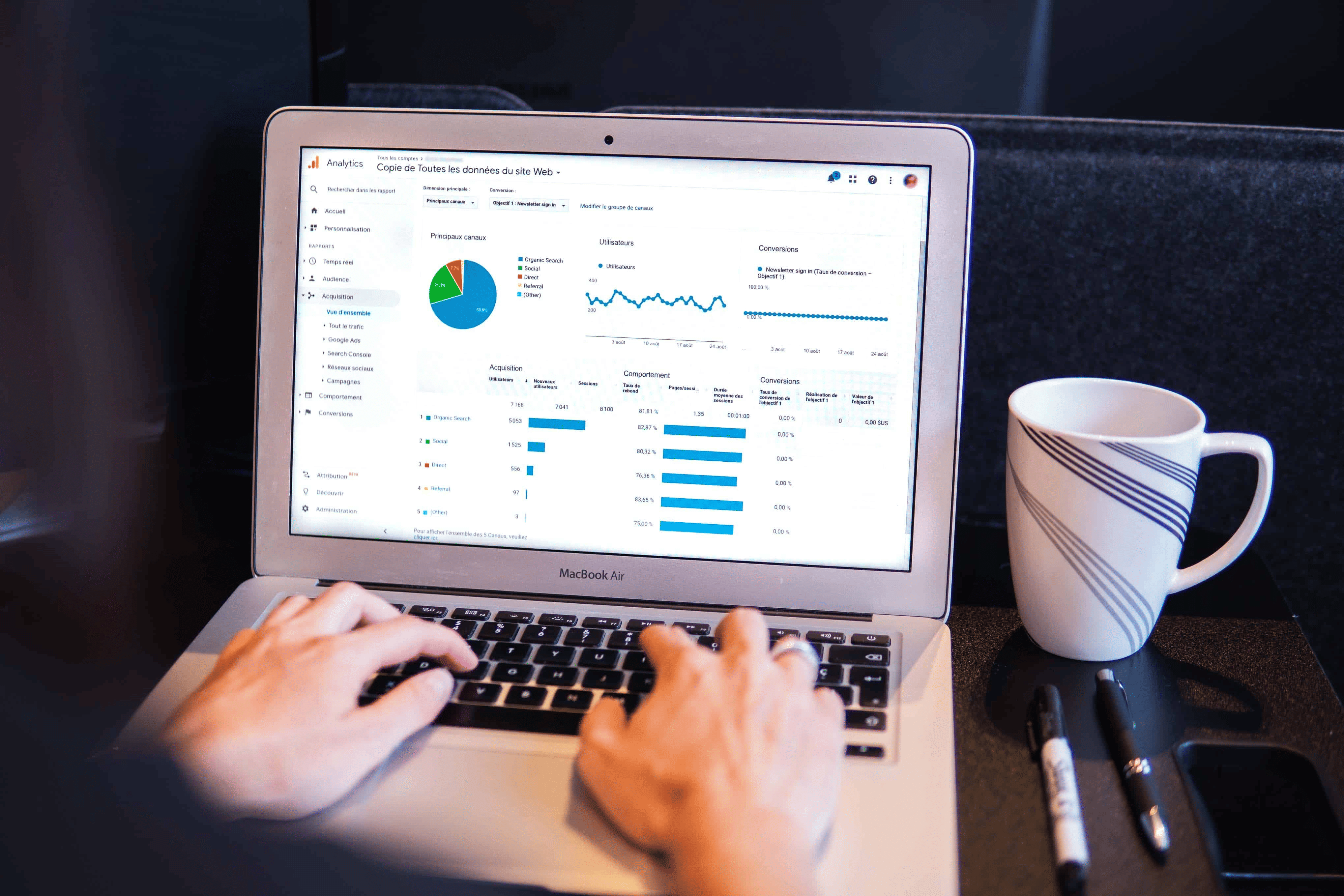
Google Analytics (GA) is a free website traffic monitoring tool that allows you to track how many people visit your site and what they do on it. It's easy to use, powerful, and has many features. It has Digital analytics that helps you understand how your customers are using your app or website so you can better meet your marketing goals and data-driven marketing decisions.
Google Analytics gives you a report to the following questions:
- What is your target audience doing when they interact with your app or website?
- How well are your marketing campaigns working?
- What content is likely to help you achieve your business goals?
- What sources are sending users to your site or app, and what parts of your site or application do users ignore?
Google Search Console
Google search console (GSC) is a free tool offered by Google that lets you track, maintain, and troubleshoot your site's performance in Google search results. It's a great way to see how your site appears in SERPs and access other features such as webmaster tools.
You can use Google Search Console to measure SEO performance, find keywords and links for optimization, monitor crawling errors on your website, or even submit Sitemaps so that Google can index all of the pages on your site more quickly.
Google Search Console has tools and provides you with information about:
- Verify that Google can discover and index your site.
- Address indexing issues, and request to reindex new or updated content.
- Google Search traffic data: How often your site appears in Google Search, which search queries show your site—and how much of a click-through rate those queries have.
- Receive alerts when Google encounters issues with your site, such as indexing problems or spam.
- Show you which sites link to your website and how many times they do so.
- Analyze and troubleshoot issues for AMP, mobile usability, and other Search features.
You should use Google Search Console if you are:
- Business owner Even if you do not use Search Console, it is important to understand what the tool does and how to maximize your site's visibility in search engines, and what features are available in the google search.
- SEO specialist or marketer As someone focused on online marketing, Search Console will help you monitor your website traffic, optimize your ranking, and make informed decisions about the appearance of your site's search results. You can use the information in Search Console to influence technical decisions for the website and do sophisticated marketing analysis in conjunction with other Google tools like Analytics, Google Trends, and Google Ads.
- Site Administrator As a site admin, you care about the healthy operation of your site. Search Console lets you easily monitor and in some cases resolve server errors, site load issues, and security issues like hacking and malware. You can also use it to ensure any site maintenance or adjustments you make happen smoothly with respect to search performance.
- Web developer If you are creating the actual markup and/or code for your site, Search Console helps you monitor and resolve common issues with markup, such as errors in structured data.
The pricing and feature comparison of Google Analytics and Google Search Console.
Pricing
Google Analytics is free, while Google Search Console is also free. However, if you want to track more than 10,000 URLs or use custom dimensions or metrics in your reports (and who doesn't?), then Google Analytics will cost you some per month. Google Search Control comes with all the standard features of analytics but lacks some of its power because it doesn't have access to all your data as Google Analytics does.
Feature
Google Analytics helps you understand how people use your websites and apps so that you can tell where your customers have pain points and improve their experience. Discover Google Analytics offered features.
- Built-in Automation Analytics combines Google's advanced data science, machine learning, and AI techniques to provide in-depth insights into your data.
- Reporting You can see how customers use your sites and apps by watching the way they interact with them. You can easily get information about those interactions in reports that let you dig deeper into what's going on.
- Advertising Workspace You will be able to better understand the return on investment of your marketing efforts, make informed decisions about how to allocate your budget, and evaluate attribution models.
- Explorations Access, organize, and visualize your data to fit your business needs. With deeper, more custom analysis of your data and share insights with other users.
- Data Collection and Management with a variety of integrated tools, you can collect, organize, and manage your data easily.
- Integrations Analytics works well with other Google solutions and partner products, making it easier for you to save time and be more efficient.
Improve your site's performance with Google Search Console features
- Optimise your content with Search Analytics Track which searches lead users to your website, and analyses the impressions, clicks, and position of each search result.
- Get your content on Google Submit sitemaps and individual URLs to Google, then check that they have crawled your site properly by monitoring the index.
- Get alerts on issues and fix your site Receive email alerts when Google notices issues on your site. See which URLs are affected by these issues and tell Google when you’ve fixed them.
- Understand how Google Search sees your pages The URL Inspection tool provides detailed information about how Google crawls, indexes, and serves your site directly from its index.
Businesses need both tools to stay on top of their online presence.
81% of shoppers choose to research a business online before making a purchase. Google Analytics and Google Search Console are two powerful tools for tracking your website's performance. While they have different purposes, they can be used together to provide a complete picture of your online presence.
Google Analytics gives you information about your SEO performance and helps you understand how users interact with certain pages on your site. It provides a lot of data about traffic sources and conversions, but it doesn't tell you which keywords are bringing people in or where they're coming from (unless they come directly from search engines).
Google Search Console gives information about specific pages on your site so that you know if there are any issues with them causing problems for the search engine's ability to crawl and index those pages correctly--or if there are any errors preventing them from being indexed at all!
With all of the information that Google Analytics and Google Search Console offers, it can be difficult to decide which tool is best for your business. Both tools offer valuable insights into how effective your SEO efforts are and what needs improvement. However, if you're looking for an easy way to track all aspects of your online presence in one place then we recommend using a combination of these two tools
Founding pricing
Lock in 50% off for life.
SEOGraphy is live. Subscribe before 31 October and keep 50% off for the lifetime of your plan - the discount never expires, the offer does.